In today’s digital world, you no longer need a SIM card to make phone calls. With the help of internet-based calling apps, you can easily connect with anyone using just WiFi or mobile data. Whether you’re traveling, avoiding SIM charges, or simply want a second number, these apps make communication simple and affordable.
In this guide, we’ll explore the best apps to make calls without a SIM card, along with how they work and how you can use them effectively.
🤔 Can You Really Call Without a SIM Card?
Yes, absolutely. Modern apps use a technology called VoIP (Voice over Internet Protocol), which allows you to make calls using the internet instead of a traditional cellular network.
This means:
- No SIM card required
- Works with WiFi or mobile data
- Free or low-cost calls
- Available on both Android and iPhone
🔥 Top Apps to Make Calls Without SIM Card
1. TextNow
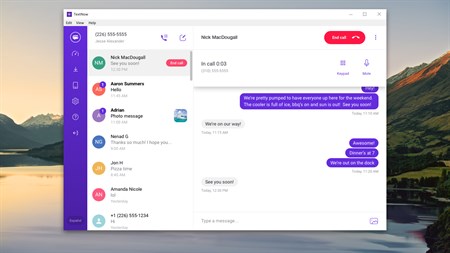
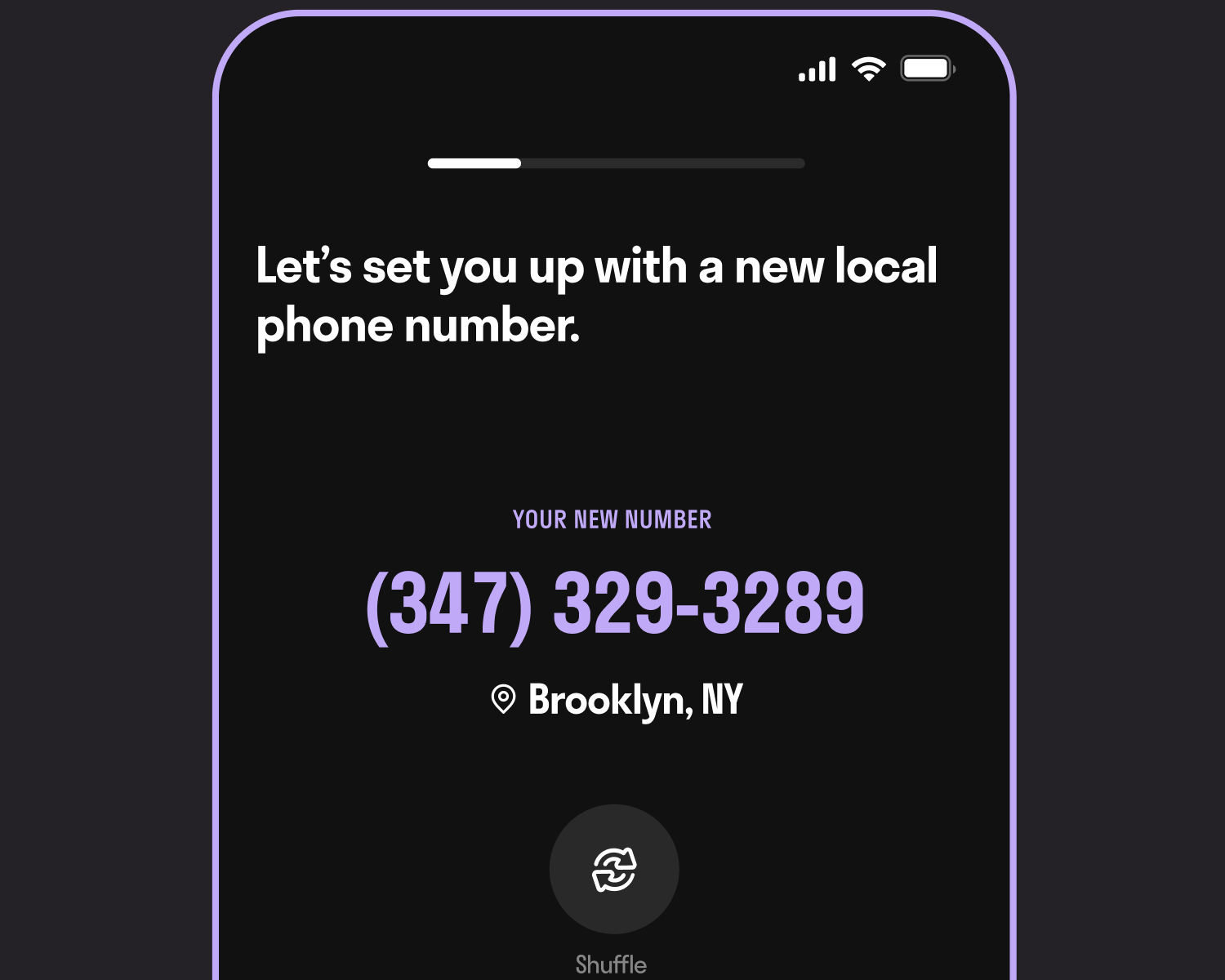

TextNow is one of the most popular apps for making free calls without a SIM card. It provides users with a free US or Canada phone number, which can be used for calling and texting.
Key Features:
- Free phone number
- Unlimited texting
- Free calls (with ads)
- Works on WiFi
How to Use:
Download the app, sign up, choose your free number, and start calling instantly.
2. Talkatone

Talkatone is another reliable app that allows you to make calls over WiFi. It’s simple, fast, and perfect for users who want a secondary number.
Key Features:
- Free US number
- WiFi calling
- Cheap international calls
3. Dingtone
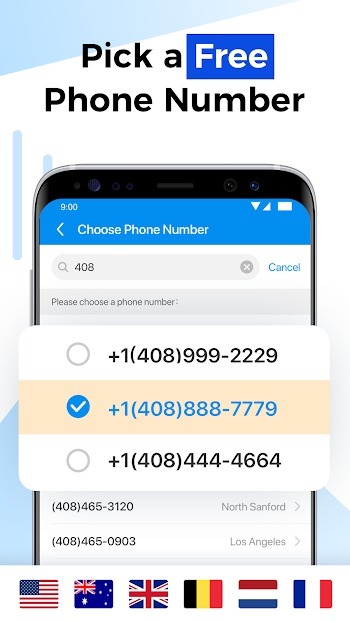
Dingtone offers a unique credit-based system where you can earn free calling credits by watching ads or completing tasks.
Key Features:
- Earn free credits
- Low-cost international calls
- Caller ID options
4. Google Voice

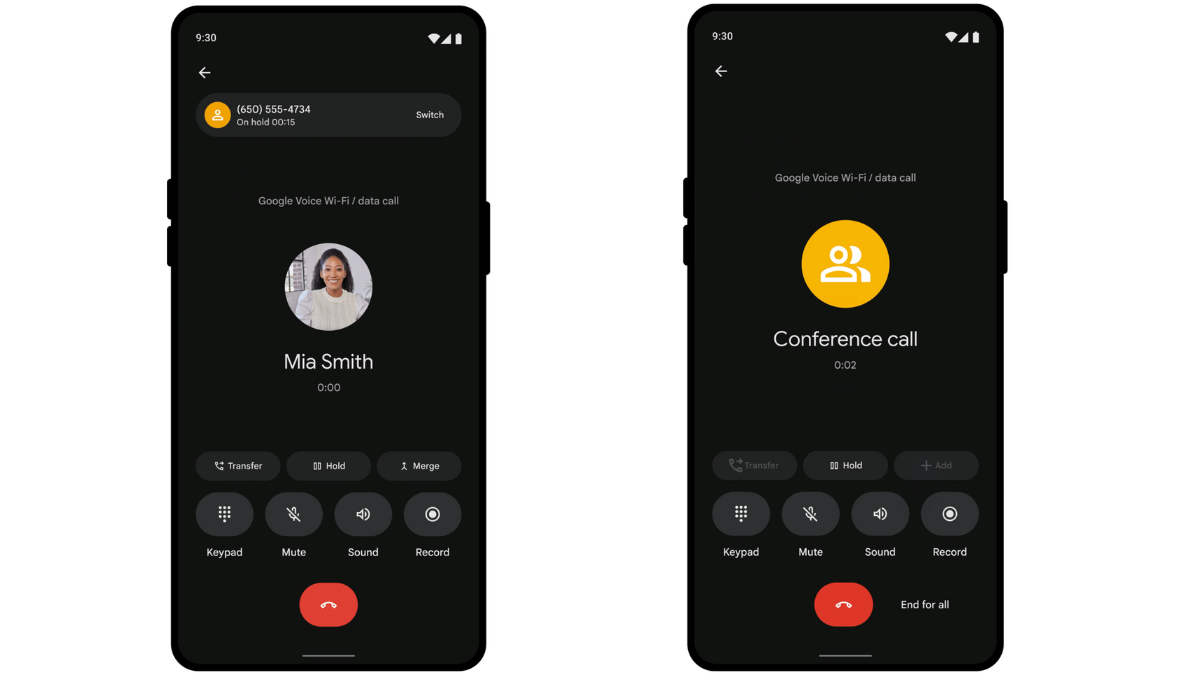
Google Voice is a powerful app by Google that provides a professional calling experience with voicemail and number management.
Key Features:
- Free US calls
- Voicemail transcription
- High-quality voice
5. Skype


Skype has been a trusted name in internet communication for years. It supports both voice and video calls globally.
Key Features:
- Worldwide calling
- Video calls
- Call landlines & mobiles
6. WhatsApp

WhatsApp is widely used for internet-based calls. Although it requires a number for setup, it doesn’t need an active SIM afterward.
Key Features:
- Free calls worldwide
- HD voice & video
- End-to-end encryption
7. Telegram

Telegram focuses on privacy and speed, offering secure voice calls over the internet.
Key Features:
- Fast and secure
- Encrypted calls
- No ads
⚙️ How to Make Calls Without SIM (Step-by-Step)
Making internet calls is very simple. Follow these steps:
- Install any app from the list
- Sign up using email or number
- Set up your profile or get a virtual number
- Add contacts or dial a number
- Tap the call button and start talking
-
APP LINK INSTALL
⚡ Tips for Better Call Quality
- Use a strong WiFi connection
- Avoid background apps
- Use headphones for clarity
- Keep your app updated
🎯 Final Thoughts
Making calls without a SIM card is no longer a complicated process. With the apps mentioned above, you can stay connected anytime, anywhere using just the internet.
If you want a free number, go for TextNow or Talkatone.
For international calls, Skype is a great choice.
For daily use, WhatsApp remains the easiest option.