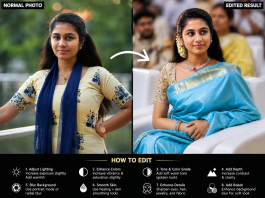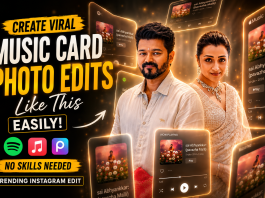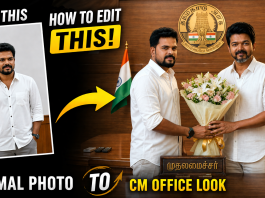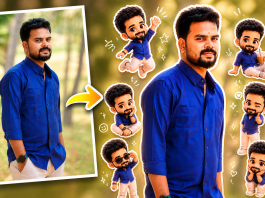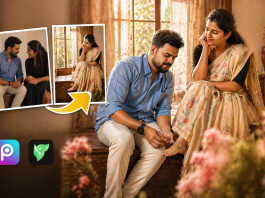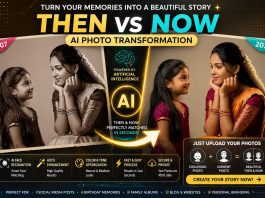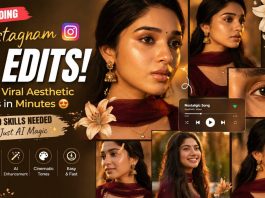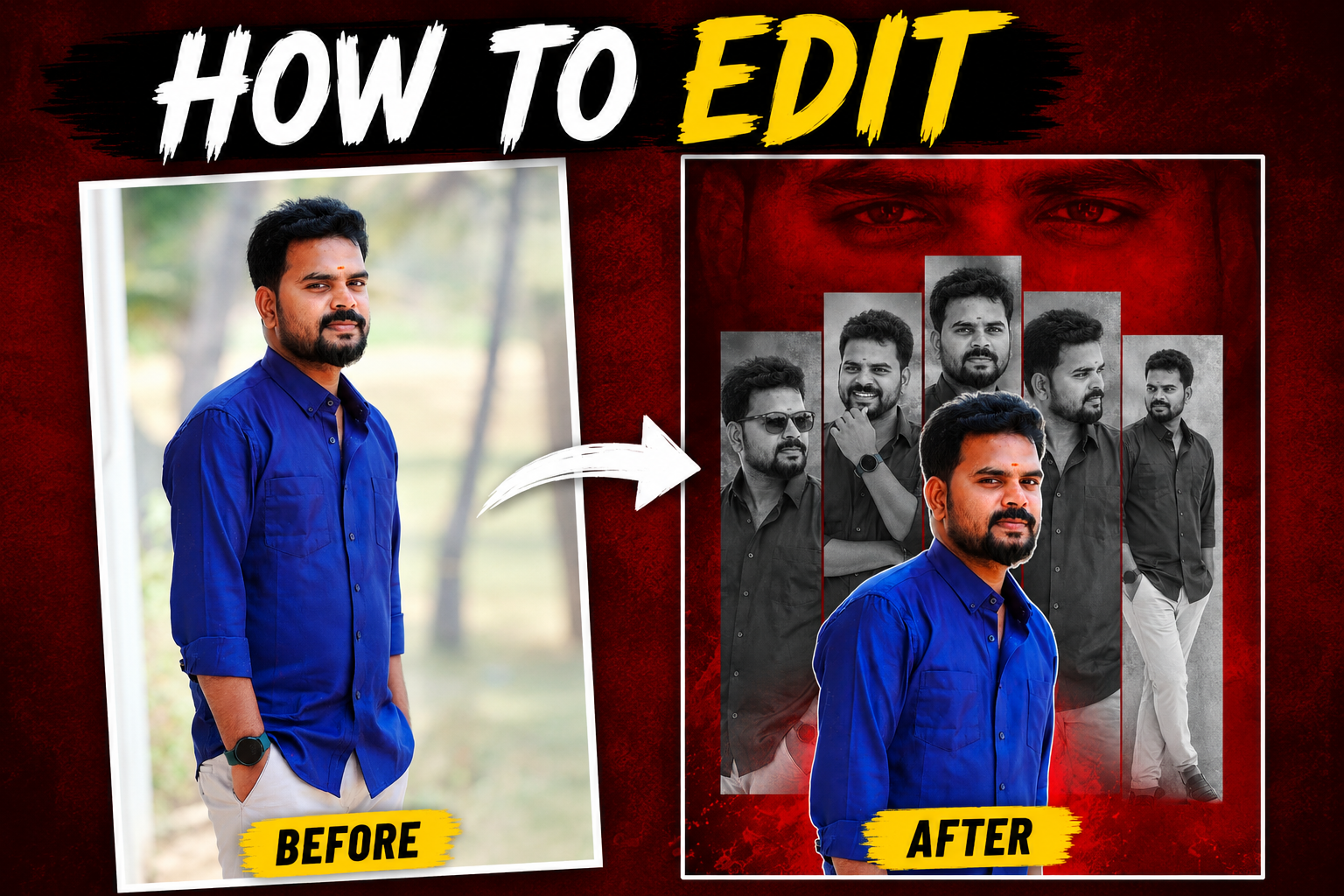
AI photo editing is trending everywhere right now 🔥
From Instagram reels to YouTube thumbnails, creators are turning normal photos into cinematic poster edits using AI tools.
In this guide, you’ll learn how to create these viral AI edits using simple websites and apps — even if you don’t know Photoshop.
Best AI Photo Editing Websites & Apps (2026)
1. Canva AI
Best for beginners.
You can create cinematic posters, YouTube thumbnails, Instagram posts, and AI effects easily.
Features:
- Background remover
- AI image generator
- Magic Edit
- Thumbnail templates
- Mobile-friendly editing
2. Adobe Express AI
Perfect for professional-looking edits.
Best For:
- Poster designs
- Red-black cinematic edits
- Text effects
- AI background generation
3. Leonardo AI
One of the best AI tools for creating dramatic cinematic images.
Features:
- Realistic AI portraits
- Trending Instagram style edits
- High-quality lighting effects
- Ultra HD output
4. Pixlr AI Editor
Easy online photo editor with AI tools.
Features:
- AI cutout
- Blur effects
- Glow effects
- Background editing
- One-click enhancements
5. PhotoRoom
Best mobile AI editing app.
Best For:
- Quick social media edits
- Poster backgrounds
- AI shadows and lighting
- Instagram post editing
How To Create This Viral AI Edit
Step 1 – Upload Your Normal Photo
Choose a clear portrait photo with good lighting.
Step 2 – Remove Background
Use:
- Canva AI
- PhotoRoom
- Pixlr
Remove the background and keep only the subject.
Step 3 – Add Cinematic Background
Use red-black textured backgrounds for dramatic effects.
Popular styles:
- Red smoke
- Dark cinematic
- Black & white collage
- Glow effects
Step 4 – Create Multiple Portrait Layers
Duplicate the same photo:
- Black & white versions
- Side pose
- Smiling pose
- Sunglasses pose
Arrange them vertically behind the main image.
Step 5 – Add Bold Text
Use stylish fonts like:
- Bebas Neue
- Anton
- League Spartan
Popular text:
- HOW TO EDIT
- AI PHOTO EDIT
- VIRAL EDIT
- CINEMATIC LOOK
Step 6 – Export In High Quality
Export in:
- 1080×1920 for Reels & Shorts
- PNG or JPG format

Create a dramatic tribute poster with a bold red monochrome background.”The background should feature a faint,large close-up of a man’s eyes blended into the red vaagai offxl for intensity. In the center, design a collage layout wirk five vertical rectangular panels showing black-and-white portraits of the same stylish man (reference image), in 250 different poses and expressions (serious, smiling, side profile, casual TEXT ADDITION : At the bottom right corner of the final image, add clean small text: Prompt = NEEDKI.com Text should white BLOCK STROK or soft tone, clearly readable but not distracting.
Overlaying the panels in the foregroun place a larger, full-color cutout
Why These AI Edits Are Trending
These edits grab attention instantly because:
- High contrast colors
- Cinematic lighting
- Professional poster look
- Perfect for YouTube thumbnails
- Instagram algorithm-friendly
Creators using these styles are getting more:
- Views
- Likes
- Followers
- Reel reach
Best AI Editing Apps For Mobile Users
| App | Best Use |
|---|---|
| Canva | Beginner editing |
| PhotoRoom | Fast AI edits |
| Pixlr | Online editing |
| Adobe Express | Professional posters |
| Leonardo AI | Cinematic AI images |
Final Words
You don’t need expensive software anymore.
With AI tools, anyone can create viral cinematic photo edits directly from mobile or PC.
Try these websites and create your own trending Instagram-style AI posters today 🔥