
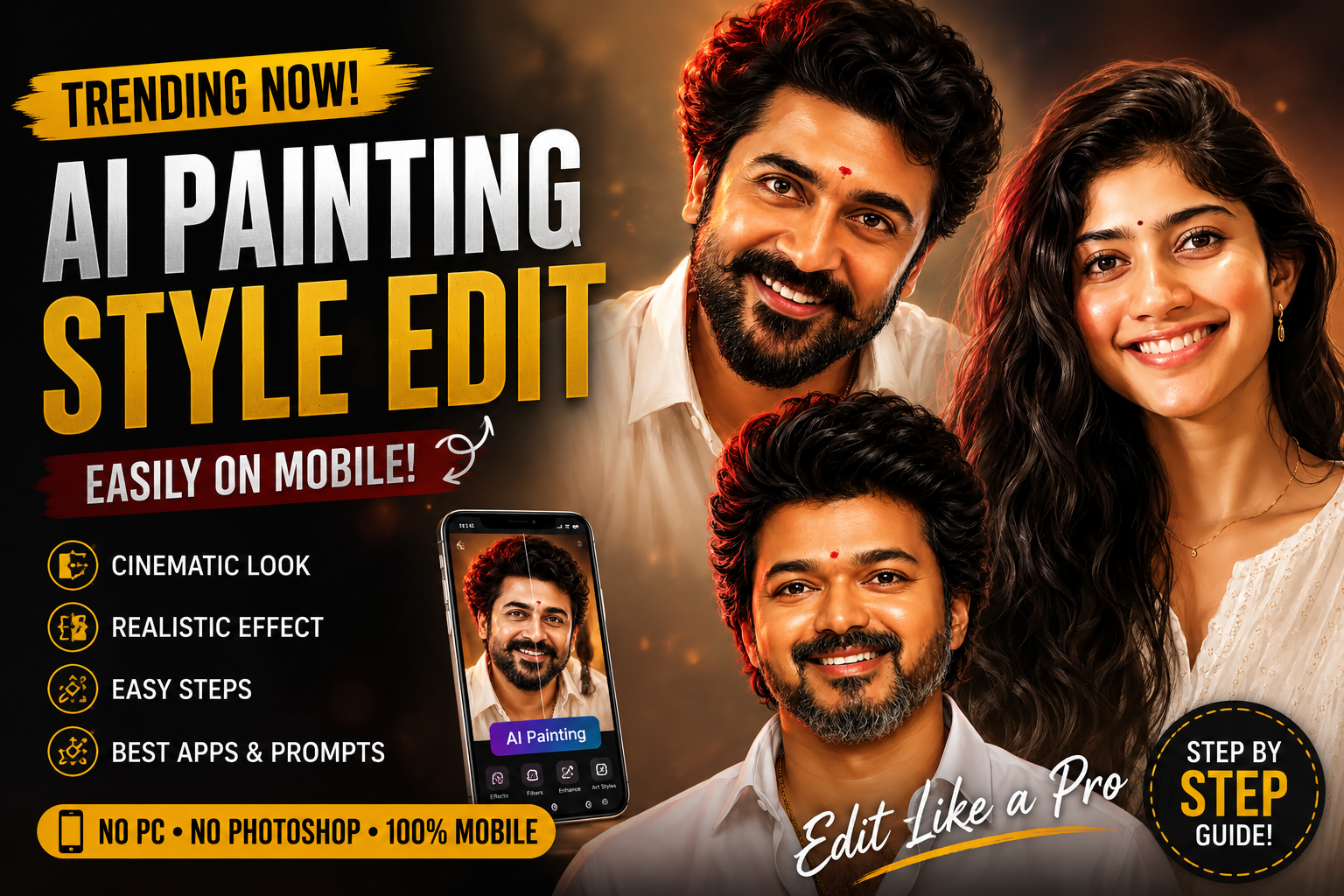
Right now, one editing style is going massively viral across Instagram, YouTube Shorts, Facebook, and WhatsApp Status — the AI Painting Style Portrait Edit.
You’ve probably seen those ultra-realistic portrait images with:
- cinematic lighting,
- smooth glowing skin,
- realistic hair texture,
- sharp eyes,
- soft shadows,
- and a digital painting finish.
The best part?
You don’t need Photoshop skills or a high-end PC anymore.
Now anyone can create these stunning AI painting-style photos directly from their mobile phone using simple AI apps.
In this post, we’ll cover:
- What AI Painting Style is
- Which apps to use
- How to edit step-by-step
- Best prompts to use
- Tips for getting ultra-realistic results
- How creators are using this trend for social media and websites
Let’s get started 🔥
What is AI Painting Style?
AI Painting Style is a type of photo editing where artificial intelligence transforms a normal photo into a realistic digital artwork or cinematic painting.
Instead of looking like a regular photo, the image gets:
- smooth skin texture,
- detailed facial features,
- artistic lighting,
- realistic shadows,
- vibrant colors,
- and a premium cinematic look.
These edits are becoming extremely popular because they look professional and eye-catching.
You Don’t Need a PC Anymore 📱
One of the biggest reasons this trend exploded is because everything can now be done on mobile.
All you need is:
- an Android phone or iPhone,
- a clear portrait photo,
- and an internet connection.
That’s it.
No advanced editing skills required.
Best Photos for AI Painting Edits


To get the best AI painting results:
- Use a clear face photo
- Avoid blurry images
- Make sure lighting is good
- Close-up portraits work better
- Simple backgrounds help AI generate cleaner results
Even a normal selfie can work if the quality is decent.
PROMPT :
Ultra-detailed digital illustration portrait of a young South Indian man, smiling naturally, front-facing pose, thick curly black hair with soft volume, trimmed beard and mustache, expressive brown eyes, medium warm skin tone, wearing a clean
white half-open shirt with a visible gold chain, small red tilak
on forehead, smooth semi-realistic painting style, highly detailed facial shading and skin highlights, glossy hair texture, soft cinematic red rim light on left side of hair, minimal plain 9:16 ratio
Best Mobile Apps for AI Painting Edits
1. Remini
One of the most popular AI editing apps.
Features:
- AI face enhancement
- HD quality output
- realistic skin texture
- portrait enhancement
- cinematic AI filters
Perfect for improving portrait quality instantly.
2. Bing Image Creator / Copilot
You can create AI painting-style images using prompts.
Just upload a reference image or type a detailed prompt and AI generates cinematic artwork automatically.
3. PicsArt AI
Great for:
- AI filters
- painting effects
- cinematic color grading
- background blur
- glow effects
Very beginner-friendly.
4. Canva AI
Perfect for:
- website thumbnails,
- Instagram posts,
- banners,
- YouTube thumbnails,
- and social media designs.
You can also add stylish text easily.
Step-by-Step: How to Create AI Painting Style Photos


Step 1:
Choose a clear portrait image.
Step 2:
Upload the photo into an AI editing app like Remini or PicsArt AI.
Step 3:
Select:
- “AI Portrait”
- “Painting Style”
- or “Cinematic Effect”
depending on the app.
Step 4:
Apply lighting enhancements and realistic filters.
Step 5:
Add background blur or glow effects for a professional cinematic look.
Step 6:
Export the final image in HD quality.
Done! 🔥
Best AI Prompt for This Style
You can use prompts like this in AI tools:
Ultra realistic cinematic digital painting portrait of an Indian man, soft lighting, detailed hair texture, glowing skin, realistic eyes, sharp focus, warm cinematic background, professional color grading, hyper realistic, 8K qualityThis works great in:
- Bing AI,
- Leonardo AI,
- ChatGPT image tools,
- and other AI art generators.