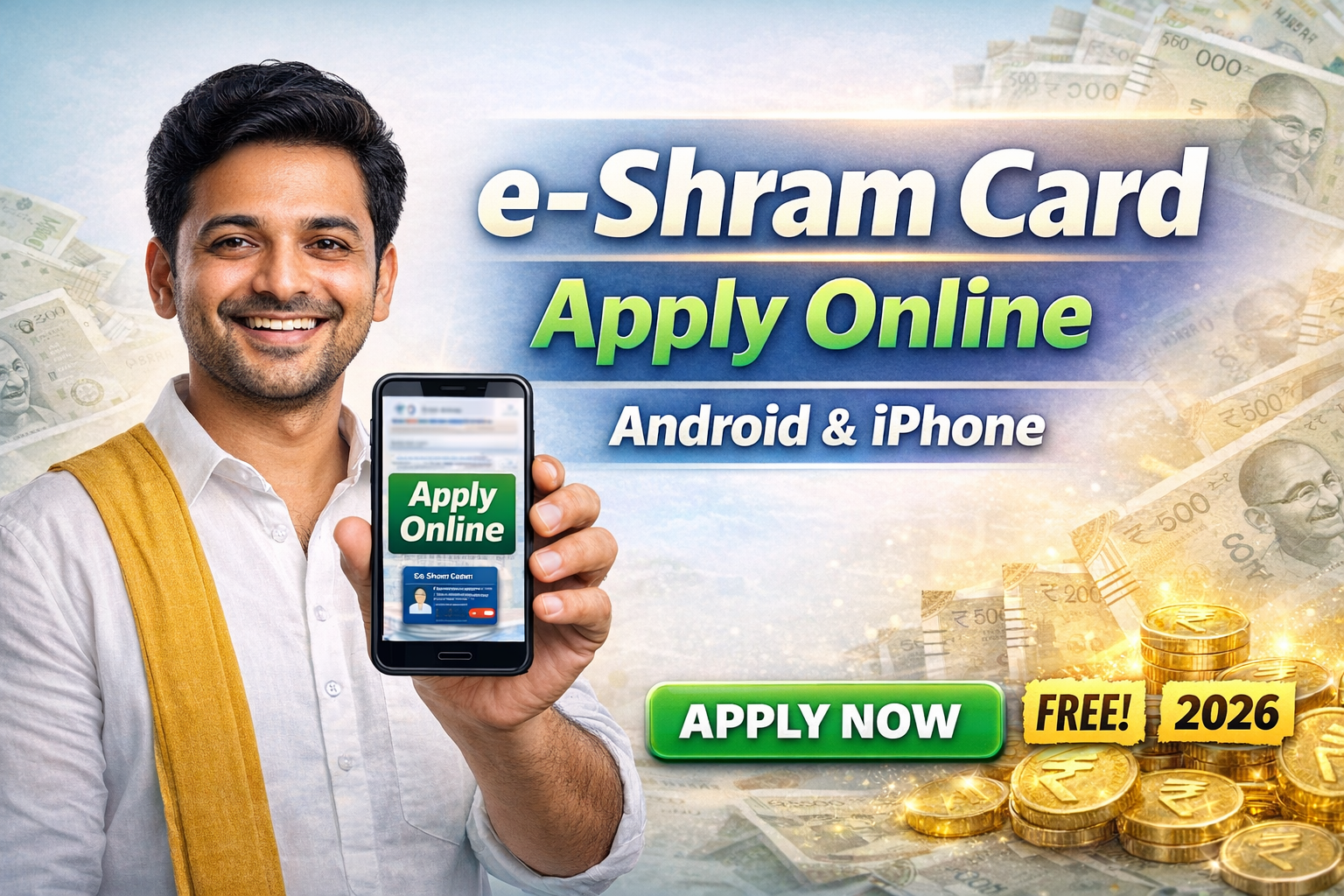
The e-Shram Card is one of the most important government initiatives launched by the Government of India for workers in the unorganised sector.
If you are a daily wage worker, delivery partner, driver, shop staff, construction worker, helper, or doing any private job without PF, this card can give you huge long-term benefits.
The best part?
👉 You can apply for the e-Shram Card online using your mobile phone – no computer required.
👉 Works on Android and iPhone.
👉 100% FREE registration.
This detailed guide explains everything step by step 👇
🔹 What is an e-Shram Card? 🤔
The e-Shram Card is a national labour identification card issued by the Ministry of Labour & Employment, Government of India.
It creates a centralised database of unorganised workers, helping the government provide:
-
Social security benefits
-
Insurance coverage
-
Future pension schemes
-
Emergency financial assistance
Each registered worker gets a unique Universal Account Number (UAN).
👥 Who Can Apply for an e-Shram Card?
You can apply if you work in the unorganised sector and fall under any of the categories below:
✅ Construction workers
✅ Auto / Cab / Lorry Drivers
✅ Delivery partners (Swiggy, Zomato, Amazon, etc.)
✅ Hotel, tea shop, and restaurant workers
✅ Shop employees
✅ Agricultural labourers
✅ Domestic workers
✅ Private job employees (without PF/ESI)
📌 Age Limit: 16 to 59 years
📌 Must not be an income tax payer
📄 Documents Required to Apply for e-Shram Card
Before applying, keep these details ready 👇
✔️ Aadhaar Card
✔️ Mobile number linked with Aadhaar
✔️ Bank account details
✔️ Address details
📌 No physical documents or uploads required.
📱 How to Apply for e-Shram Card Online Using Mobile (Android & iPhone)
You can apply directly using:
-
Android mobile (Chrome browser)
-
iPhone (Safari or Chrome browser)
🟢 Step 1: Open Official Website
Open your mobile browser and visit the official e-Shram registration portal.
🟢 Step 2: Register on e-Shram
Click on “Register on e-Shram” option.
🟢 Step 3: Aadhaar Verification
-
Enter your Aadhaar number
-
Accept the consent
-
Verify using OTP sent to Aadhaar-linked mobile number
🟢 Step 4: Fill Personal Details
Your name, date of birth, and gender will auto-fill.
Now enter:
-
Address details
-
Educational qualification
🟢 Step 5: Enter Occupation Details
Select:
-
Your work category
-
Skill type
-
Working experience
🟢 Step 6: Bank Account Details
Enter:
-
Account number
-
IFSC code
Submit the form.
🎉 That’s it!
Your e-Shram Card PDF will be generated instantly.
🎁 Benefits of e-Shram Card 💡
Having an e-Shram Card gives you multiple benefits:
✨ Accident insurance cover up to ₹2,00,000
✨ Death insurance cover up to ₹1,00,000
✨ Priority access to government welfare schemes
✨ Future pension and social security schemes
✨ Emergency assistance during disasters
✨ Direct benefit transfer (DBT) eligibility
📌 More benefits will be added by the government in the future.
⚠️ Common Problems & Solutions
❌ OTP not received?
👉 Check if your Aadhaar-linked mobile number is active.
❌ Name mismatch error?
👉 Aadhaar details must match exactly.
❌ Bank details error?
👉 Re-check IFSC code and account number.
❓ Frequently Asked Questions (FAQ)
🔹 Is e-Shram Card free?
Yes ✅ e-Shram registration is completely free.
🔹 Can I apply without a smartphone?
No ❌ OTP verification requires a mobile phone.
🔹 Is e-Shram Card valid for lifetime?
Yes ✅ It does not expire.
🔹 Can iPhone users apply?
Yes ✅ Works perfectly on iPhone and Android.
📌 Why You Should Apply for e-Shram Card Today
✔️ Government schemes are increasing every year
✔️ e-Shram may become mandatory for future benefits
✔️ Early registration avoids last-minute issues
✔️ Helps in financial security and emergencies
e-shram card apply online
e-shram card benefits
e-shram card apply using mobile
e-shram card android phone
e-shram card iphone apply
unorganised workers government card
free labour card india
government worker insurance scheme
🙌 Final Words
If you or your family members work in the unorganised sector, applying for an e-Shram Card is a smart and necessary step.
👉 Share this information
👉 Help others apply
👉 Stay connected for more government scheme updates ❤️