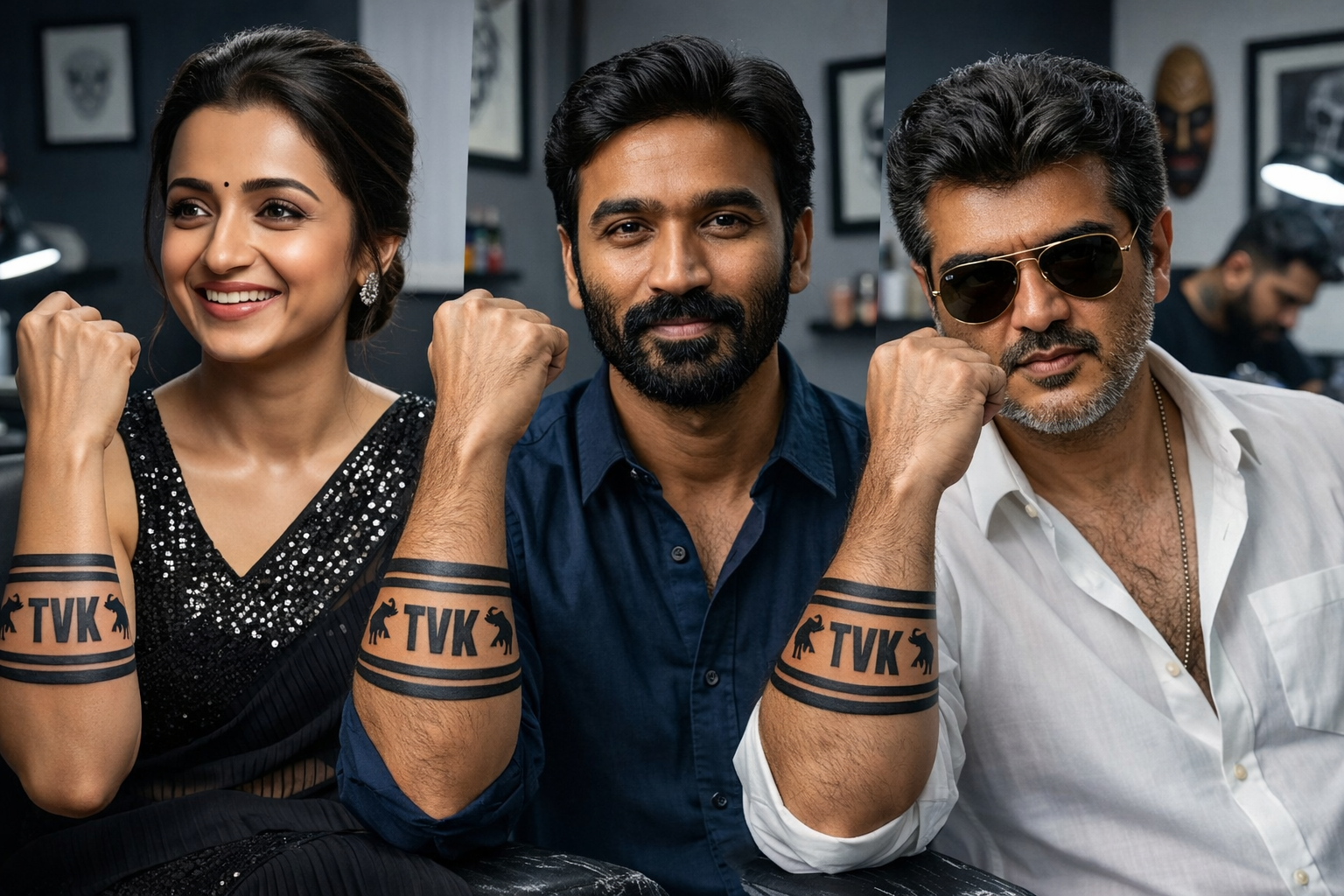
Jana Nayagan Style TVK Tattoo Photo Edit – Full Guide 🤩
After seeing the TVK tattoo on Thalapathy’s hand in Jana Nayagan, many people want to create the same look on their own photos. 😎
Now, with the help of AI apps, you can turn your normal photo into a mass cinematic edit. You can add a realistic “TVK” tattoo on your hand, stylish lighting, dramatic effects, and a movie-style look. 🔥
What Kind of Photo Should You Use? 📷
To get the best result, use a photo like this:
- Your face should be clearly visible 👀
- Your hand should be visible in the photo 💪
- Use a photo with good lighting ☀️
- Side pose or selfie pose works even better 😍
- A simple background helps AI edit more accurately 🎯
Best AI Apps for This Edit 📱✨
1. Remini AI
- Improves photo quality
- Makes blurry photos clear
- Gives an HD look
2. PicsArt AI
- Add a TVK tattoo on your hand
- Add movie-style effects
- Easy to use glow, shadow, and cinematic colors
3. Bing Image Creator / Copilot AI
- You can create a completely new image using a prompt 🤖
Example Prompt:
“A realistic South Indian man standing in a cinematic style, with a bold TVK tattoo on his hand, inspired by Jana Nayagan movie look, dramatic lighting, realistic skin texture, stylish pose, 4K quality”
4. Canva AI
- Perfect for creating website thumbnails
- Add text, glow effects, and poster-style designs
- Great for YouTube thumbnails too
5. Adobe Firefly
- Add only the tattoo realistically to an existing photo
- Change the background
- Create a cinematic movie-poster style look 🎬
Step-by-Step Editing Guide 🛠️
Step 1:
Upload your photo into Remini or PicsArt.
Step 2:
Use the AI erase/add option and select the area on the hand where you want the tattoo.
Step 3:
Type this prompt:
Convert the uploaded image into a realistic portrait of a person in a professional tattoo studio environment. Keep 100% accurate facial identity, skin tone, expression, and body proportions unchanged.
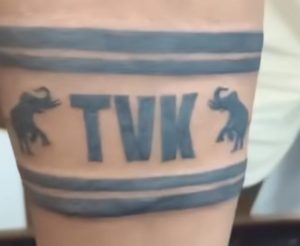
Add a bold, clean black tattoo on the left forearm, clearly visible to the camera (arm slightly raised or flexed). Tattoo should be sharp, well-defined, and naturally blended with skin texture (no take or sticker look).
Remove any watch, bracelet, or accessories from the wrist and forearm.
Enhance with:
natural studio lighting (solt key light subtle background blur)
ultra-detailed skin texture with pores
realistic shadows and depth
sharp focus on face and tattoo
professional DSLR quality
Background: modern tattoo studio with blurred equipment, ink bottles, and an artist working in the background.
Style: ultra-realistic, cinematic, high detail, 4K quality.
Step 4:
Adjust the lighting, contrast, and color grading.
Step 5:
Apply a cinematic filter and export the final image. 🔥