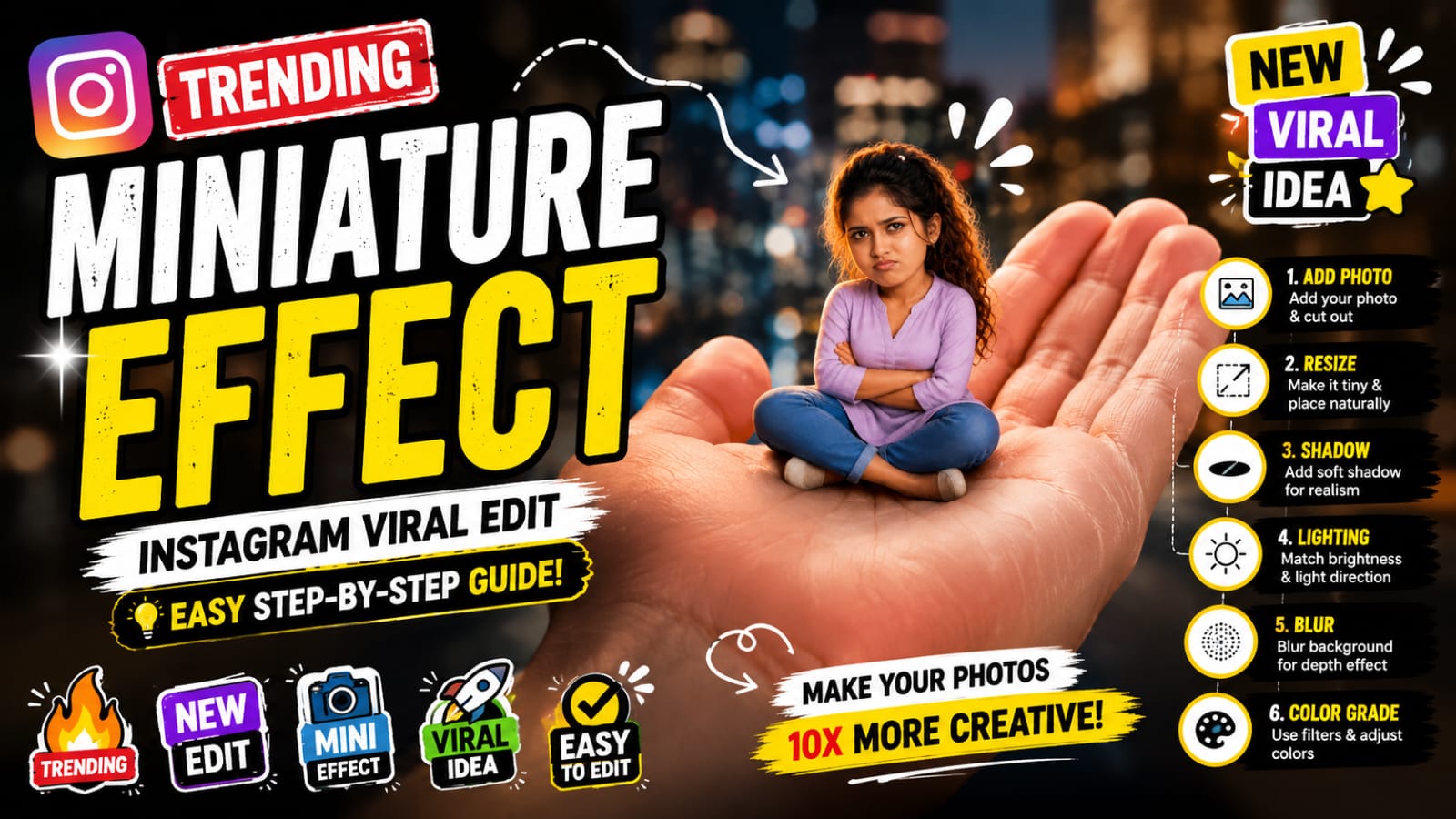
Want to create eye-catching, viral Instagram edits where people look tiny (like sitting on your hand)? 🔥
The Miniature Effect is one of the most trending creative styles right now — and this detailed guide will help you master it step by step!
—
✨ What is Miniature Editing?
Miniature editing is a visual trick where a person or object is made to look extremely small within a real-world scene.
👉 The goal is to make it look 100% realistic, not edited.
—
🚀 Why This Trend is Viral?
– Unique & eye-catching visuals 👀
– Perfect for Reels & Shorts 🎬
– High engagement & shareability 📈
– Looks complex but easy to create 💡
—
🛠️ Best Apps to Use
📱 Mobile Apps:
– PicsArt (Best for beginners)
– Snapseed
– Lightroom
💻 PC Software:
– Photoshop (Advanced editing)
—–
🔥 Step-by-Step Editing (Detailed)
PROMPT :
Create a stylized big-head miniature portrait of her. She appears as a tiny character with a slightly enlarged head and small body, sitting inside a large women hand. Pose: seated cross-legged, hands crossed,slightly pouty, angry but very cute expression. looking at the camera. Environment: blurred school classroom background with bokeh. Add a second hand gently pinching/ adjusting the person’s cheek for a playful effect. Also add some 3d mini chibi characters of her around, doing funny stuffs. Outfit: same as her 32 reference image. Lighting: soft cinematic light, shallow depth of fieldr high detail, ultra-realistic, clean focus 4:5 ratio without clevage
1️⃣ Choose a Strong Background
Pick a background with depth like:
– Hand ✋
– Table
– Street
– City lights 🌆
👉 Background quality decides final output!
—
2️⃣ Add & Cut Your Subject
– Use “Add Photo”
– Select your subject image
– Use Cutout Tool carefully
💡 Tip: Zoom in and refine edges for clean cut
—
3️⃣ Resize for Mini Effect
– Make the subject very small
– Place naturally on surface